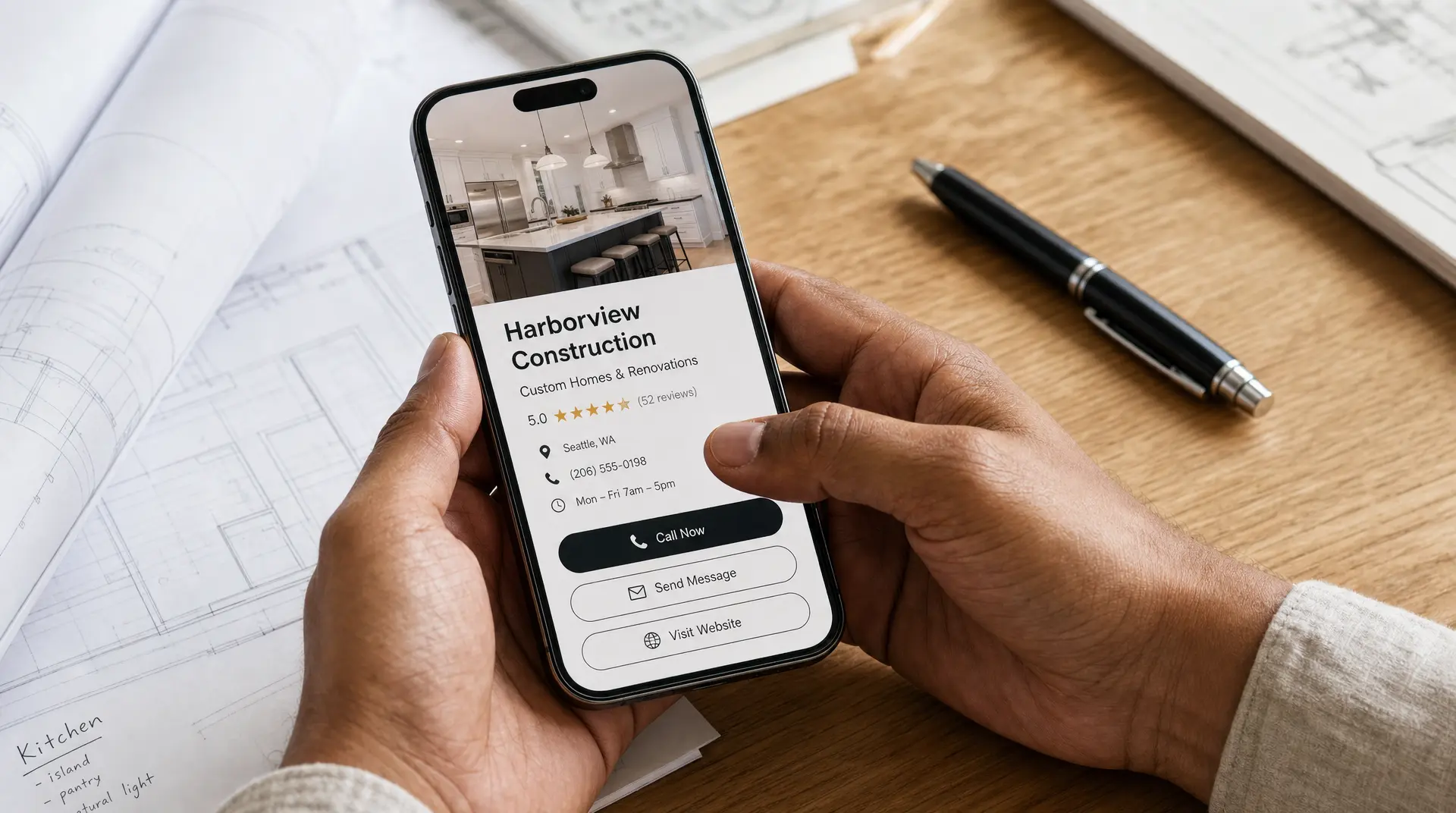
How to Photograph Construction Projects for a Website
Stop losing $20k+ jobs to competitors with better websites. Turn your before-and-after photos into a 24/7 lead machine that books premium work while you build.
By George Suarez, Founder at We Got Sites
I've spent years helping bigger companies grow with tech, systems, and data. What became obvious to me over time was simple. Small businesses rarely get the same advantages, even though they are the backbone of the US. The SBA's 2025 profile shows small businesses make up 99.9% of U.S. businesses and employ 62.3 million people.
That matters to me because I come from a family with limited resources and small business owners. I know what one extra job can mean. It can help with payroll. It can help with equipment. It can help put food on the table. It can help create opportunities for your kids that people just wake up with.
If you run a construction company, your project photos matter a lot more than most people realize. In a $600+ billion annual market, homeowners are not making casual decisions. The 2026 Houzz & Home Study found the median renovation spend was $20,000 in 2025, and the top 10% of projects hit $150,000. When people are spending that kind of money, they want confidence fast.
I'm not here to tell you how to run your crew. You already know your trade. I'm the expert when it comes to technology and how to get more eyes on what you do. So let me show you how I think about photographing construction work for a website that helps you get calls, quotes, and better jobs.
Key Takeaways
- According to the 2026 Houzz and Home Study, the median home renovation spend reached $20,000 in 2025, with the top 10% of projects hitting $150,000.
- A Nielsen report found that 70% of consumers trust branded websites, illustrating that offline referrals increasingly trigger digital verification before buyers contact a contractor.
- BrightLocal research indicates that 74% of consumers only care about local business reviews posted within the last three months, and 47% require at least 20 total reviews.
- Google data shows that 53% of mobile site visits are abandoned if a page takes longer than three seconds to load, establishing a Largest Contentful Paint benchmark of 2.5 seconds.
- The 2024 HTTP Archive reports that images are the largest content element on 73.3% of mobile pages, making image compression below 300 kilobytes critical for website performance.
What Buyers Are Really Doing Online

Referrals Still Matter, but People Verify
A lot of owners still think, "Most of my work comes from referrals." I get it. And honestly, relying on word of mouth for so long is amazing because it means you do a great service. But the market changed. Before, referrals were enough. Now referrals trigger research.
A Nielsen report found that 83% of people trust recommendations from friends and family, 70% trust branded websites, and 66% trust consumer opinions posted online. Then BrightLocal found that 97% of consumers read reviews for local businesses, and the average person checks six different review sites. So yes, the referral helps. It just does not close the deal by itself anymore.
I've seen that in my own life too. When I moved to a new city, friends gave me barber recommendations. I still would not book until I saw photos of their work online. Construction buyers do the same thing. If someone got a referral, they probably got two or three other referrals too.
Word of mouth opens the door, but your digital presence is what gets you invited in. If your photos are weak, outdated, or missing, you can lose a customer before they even read a word.
Big Projects Need Big Confidence

Homeowners do not study your site like a report. They scan it for a feeling. They want to know if hiring you feels safe. Premium buyers are especially like that. At the high end, decisions are made on confidence.
I sat with a homeowner once who looked up a highly recommended contractor for a high-ticket job. They were on the website for maybe three or four seconds before they moved on. The homeowner said, "If I'm spending this much, I just want to feel sure." People may never say it out loud, but they are thinking, if their website looks like this, what about their service?
I've seen the other side of it too. One home service business we worked with had strong work, but their online presentation did not reflect it. We rebuilt the site with premium positioning, clearer messaging, and real proof. After that, project sizes got larger, close rates got faster, and people stopped asking for the cheapest price.
That is why photos matter so much. High-paying homeowners do not compare 10 companies. They usually narrow it down to two or three. Your photos help decide if you make that list.
What Construction Photos Should Actually Show
Start with the Transformation
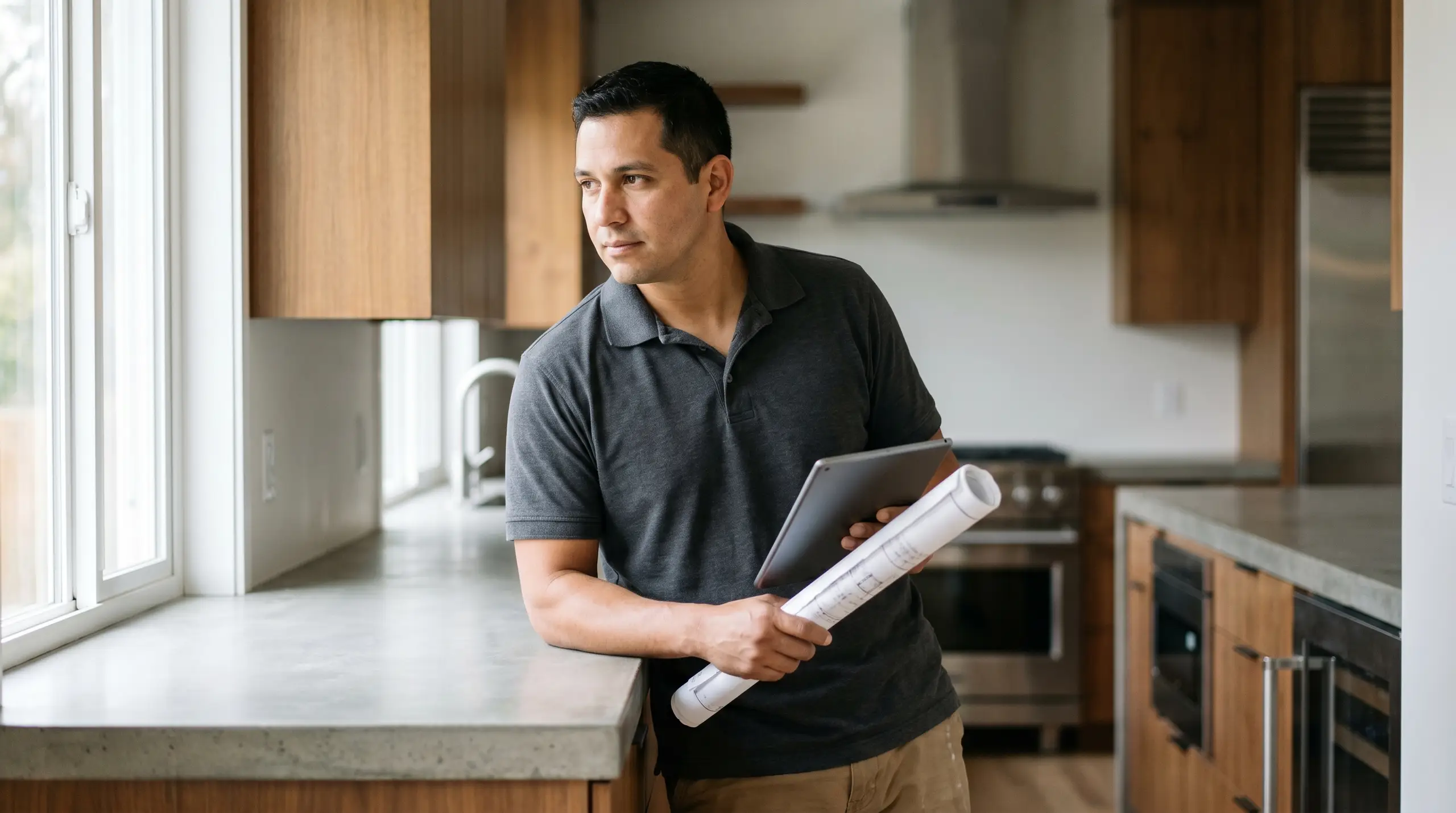
If you want my honest opinion, the most useful photo on a construction website is a clean before-and-after. Same angle when possible. Same space. Clear improvement. Buyers care about the result.
If you remodel kitchens, show the old kitchen and then show the finished one. If you do concrete, show the broken surface and then the clean final result. If you build additions, show what the property looked like before and what changed after. The transformation should be obvious in one second.
I also want a wide final shot that shows the full space. Let the homeowner feel the room. Let them understand the layout. Let them picture their own home in that result. Your website should walk your ideal customer through a journey, and the first step is helping them clearly see the value.
Then Show the Craftsmanship
After the wide shots, go tighter. This is where you build trust. Show the tile lines. Show the trim work. Show the finish carpentry. Show the paint edges, the flooring transitions, the stone detail, the clean install, the hardware, and the fixtures.
Why does that matter? Because buyers are looking for signs of care. They are asking themselves, "If they paid attention here, will they pay attention in my house too?"
This is also where you separate yourself from cheaper competition. Wealthier clients buy results, not tasks. They do not get excited because you can install a vanity. They care that the bathroom feels clean, finished, premium, and worth the money. Show proof, not promises.
Show the Kind of Jobs You Want More Of
Your website does not just attract customers. It decides which customers you hear from. So if you want premium remodels, lead with premium remodels. If you want kitchen work, lead with kitchens. If you want additions, lead with additions. Do not bury your best jobs under a pile of small patch work and random service calls.
I've seen this over and over. One contractor we worked with had a broad site that talked about general remodeling. We helped him focus deeply on one kitchen remodeling page in one city. Within a few weeks, the leads were fewer in number, but much better. People already knew what they wanted.
That is the kind of precision I like. High intent beats high budget. You have to look expensive before you charge expensive. Cheap-looking photos attract cheap leads, and then you end up competing on price instead of value.
How I'd Take the Photos if I Were Helping Your Team
Clean the Scene First
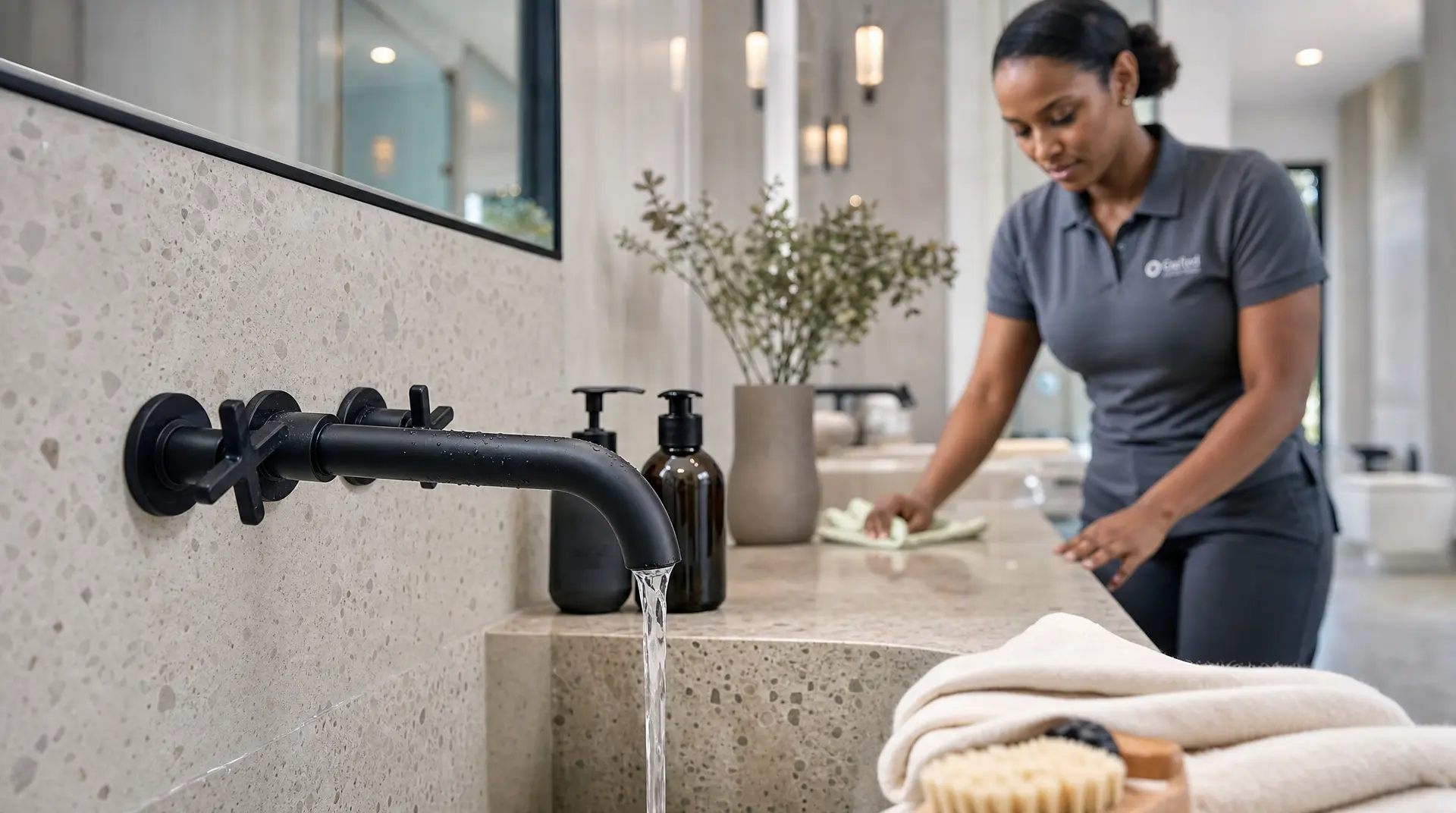
A lot of great work gets photographed badly because the room still looks like a jobsite. Tools are out. Boxes are sitting around. Dust is on the floor. The work may be excellent, but the feeling is wrong.
Before you take final photos, slow down for five minutes. Move the tools. Remove the trash. Wipe the counters. Straighten chairs. Close cabinet doors. Turn the lights on. Open the blinds if the natural light helps.
Also protect the homeowner's privacy. If there is mail on the counter, family photos on the fridge, or addresses visible outside, move them or change the angle. Keep it clean. Keep it respectful.
Shoot from the Homeowner's Point of View
I want you to stop shooting photos like you are documenting the project for your crew. Shoot them like the buyer is standing there for the first time.
For kitchens, that usually means one shot from the entry or from a corner that shows the full layout. For bathrooms, the doorway angle is often the clearest. For exterior work, give me the curb view first. Show the house the way a homeowner or neighbor would naturally see it.
That helps because people are trying to picture themselves in the result. If your angle feels too close, too tilted, or too random, they lose that feeling. Uncertainty equals exit.
Keep the Light Simple and the Lines Straight
You do not need some expensive camera setup for this. A newer phone is enough if you use it with intention. Good light, straight framing, and a clean scene beat fancy gear most of the time.
Use natural light when you can. Turn on the room lights too if the space needs it. Hold the phone level. Use the grid on your camera so walls, counters, cabinets, and doors do not look crooked. Crooked lines make quality work feel sloppy even when the work is not.
I also like getting both horizontal and vertical shots. Horizontal photos work well in desktop banners and full-width sections. Vertical photos matter too because a lot of local research happens on phones. A Google/Ipsos study found that 30% of all mobile searches are tied to location, and 76% of nearby smartphone searchers visit a related business within a day. People are looking fast. Your photos need to make sense fast too.
Keep the Photos Real
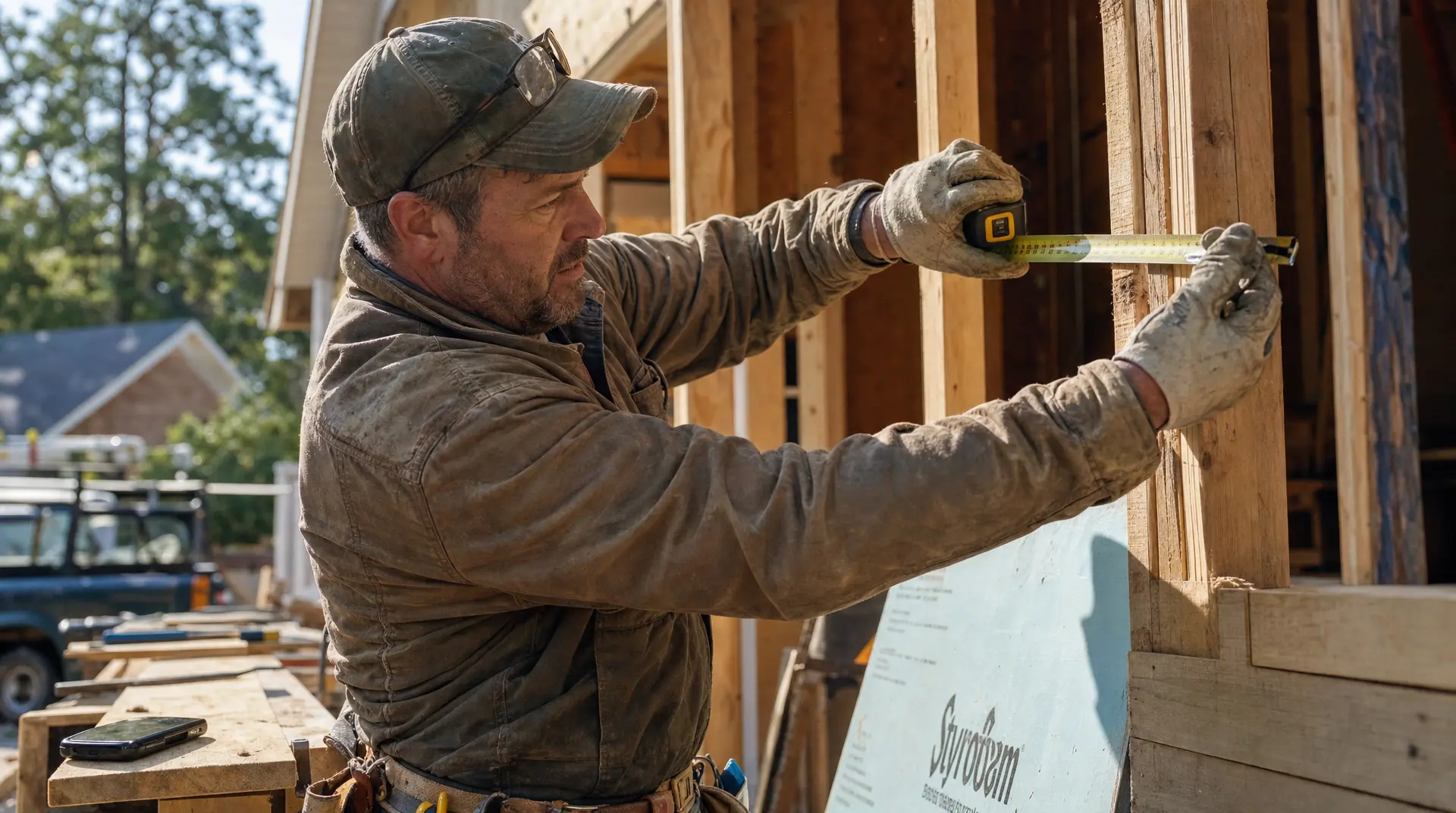
Do not over-edit your photos. Heavy filters, fake skies, weird color shifts, and dramatic effects usually hurt trust. Buyers are scanning for risk. Real, clean, honest photos help them feel safe.
And please do not use stock photos to fill gaps. Stock photos of handshakes, smiling families, or fake crews are filler. They do not prove you can build anything. Real photos prove it is a real business with real work.
That matters inside reviews too. BrightLocal found 36% of consumers care about a photo or video attached to a review. Visual proof belongs inside your trust signals.
How to Place the Photos on Your Website so They Convert
Put Your Best Proof at the Top

Your strongest project photo should usually be near the top of the homepage. Right there. No hiding it. Pair it with a headline that says what you do, where you do it, and what the customer should do next.
That top section has one job. It needs to pass the 30-second test. A buyer should understand what you do, see the level of work, and know how to call, text, or request a quote right away. Customers are thinking, can you solve my problem right now?
A lot of family businesses want to lead with "family-owned since 1998." I respect the history. I really do. But your story matters more after the buyer understands you can help them. Customers do not trust you because of your story. They trust you because they believe you can solve their problem. Clarity builds trust faster than history.
Match Every Photo to the Service and City
If your page is about kitchen remodeling in San Jose, the photos on that page should support kitchen remodeling in San Jose. If your page is about foundation repair in Oakland, keep the proof focused there. The more precise the page, the easier it is for the customer to feel relevance.
Google says local ranking comes down to relevance, distance, and prominence. Real project photos tied to the right service and location help with relevance. Clear captions help too. Keep them simple. Mention the service, the city, and the result.
I also tell clients not to rely only on Instagram. Social media is fine, but it mostly reaches people already around your orbit. Your website and your Google Business Profile are where high-intent buyers verify you. Add detailed before-and-after project photos there too. If you are trying to win premium work in places like Palo Alto, Los Altos, or Saratoga, the finish level in your photos has to match what those homeowners expect.
Pair Photos with Reviews and Clear Captions

Photos get attention. Reviews close the trust gap. BrightLocal found that after reading positive reviews, 54% of consumers check the business's website, and 66% keep researching instead of booking right away. So when they land on your site, your photos and your reviews need to work together.
I like putting a strong project image next to a real testimonial with a real name when possible. Full names build more confidence than initials. A review that mentions the city, the project type, and the result works even better because it feels specific and real.
Fresh reviews matter too. BrightLocal found that 47% of consumers will not use a business with fewer than 20 reviews, 74% only care about reviews from the last three months, and 31% only use businesses rated 4.5 stars or higher. So ask while the customer is happy and the result is fresh.
I usually tell owners to keep the ask simple and organic. Right after the job, hand them a card to scan or text them the review link. If you want to offer a small thank-you on a future service, keep it neutral and ask for an honest review, not a positive one. The FTC bars incentives tied to specific positive sentiment. It is more organic and it is real when you just ask honestly.
Keep the Website Fast After You Upload Them
Great photos can still hurt you if the site loads slow. And this is where a lot of businesses get hit without realizing it. Nothing looks broken, but everything is underperforming.
Google says 53% of mobile site visits are abandoned if the page takes longer than three seconds to load. Google's benchmark for a strong page experience includes Largest Contentful Paint at 2.5 seconds or less. You do not need to memorize that. Just know slow pages leak jobs.
HTTP Archive found that images are the largest content element on 73.3% of mobile pages and 83.3% of desktop pages. That is why my team compresses images hard, usually under 200 to 300 kilobytes when possible. We also keep the design simple, limit fonts, and cut extra animations. Sometimes websites that are over-engineered hurt you more than they help you. Speed and simplicity beat complexity every single time.
Build a Simple Habit After Every Job

You do not need some huge production process. You need a repeatable one. At the start of the project, take a clean before shot. At the end, take the same angle again. Then grab a few wide final shots and a few close-up details. If there is a clean crew shot, truck shot, or process photo that adds trust, take one of those too.
Then organize the photos by service and city. That part matters more than most people think because it makes updates easy later. If you are a busy owner-operator, send the photos off right away. Text them. Voice note them. Whatever is easiest.
That is exactly why I built WeGotSites the way I did. A lot of our clients just send us photos and quick notes, and we handle the updates. I want to help them do what they do best and allow us to highlight what they do best. Your website should be a living sales tool, not some set-it-and-forget-it project sitting there untouched for two years.
Final Thought
I care about this because I know what missed jobs really cost a family business. Most small businesses do not need a prettier website. They need a website that reflects the real value of their work and helps them get chosen.
So if your construction work is strong, make that obvious fast. Show the transformation. Show the craftsmanship. Show the kind of jobs you want more of. Keep the photos real. Keep the site fast. Keep adding proof.
That is how you stop losing customers before they even read a word. That is how you look better in Google's eyes. And that is how your website starts consistently selling for you 24/7. If you ever want help doing that without feeling like your whole wallet's on the line, that is exactly why I built WeGotSites. We make it simple, we remove as much risk as possible, and we focus on what matters most: helping you get chosen.
Frequently Asked Questions
Should I watermark my construction photos so competitors do not steal them?
I understand the fear, but skip the watermark. It ruins the buyer's experience and makes high-end work look cheap. Homeowners are scanning your site to feel safe, and a massive logo distracts them. If someone steals it, deal with it then. Focus on converting your traffic first.
How many pictures should I show for a single project?
Keep it tight. Give me one clear before-and-after, one wide final shot, and two close-ups. Buyers do not want a 50-photo album. They want fast proof. Plus, HTTP Archive data shows mobile pages already use 911 KB of images. Extra photos just slow down load times.
Should I include photos of my crew working on the jobsite?
Yes, but keep them professional. A clean shot of your team in uniform builds massive trust. It proves you are not just subbing everything out to randoms. Buyers want to know who is showing up. Make sure the jobsite looks safe and the crew looks like people they would trust.
Do I need to buy a drone for roofing or exterior shots?
No, you do not need fancy gear to win jobs. A drone is great for commercial roofs, but for residential work, a clean curb-view photo from a smartphone is plenty. High-paying homeowners just want to see the transformation. Spend your time closing quotes, not playing with complex camera equipment.
How do I get my field crew to actually remember to take photos?
Tie it to your operational systems. Make the before photo required to start the clock, and the after photo required to close the ticket. Do not ask them to log into a website. Just have them text the photos to the office or a partner like WeGotSites. Keep it simple.